
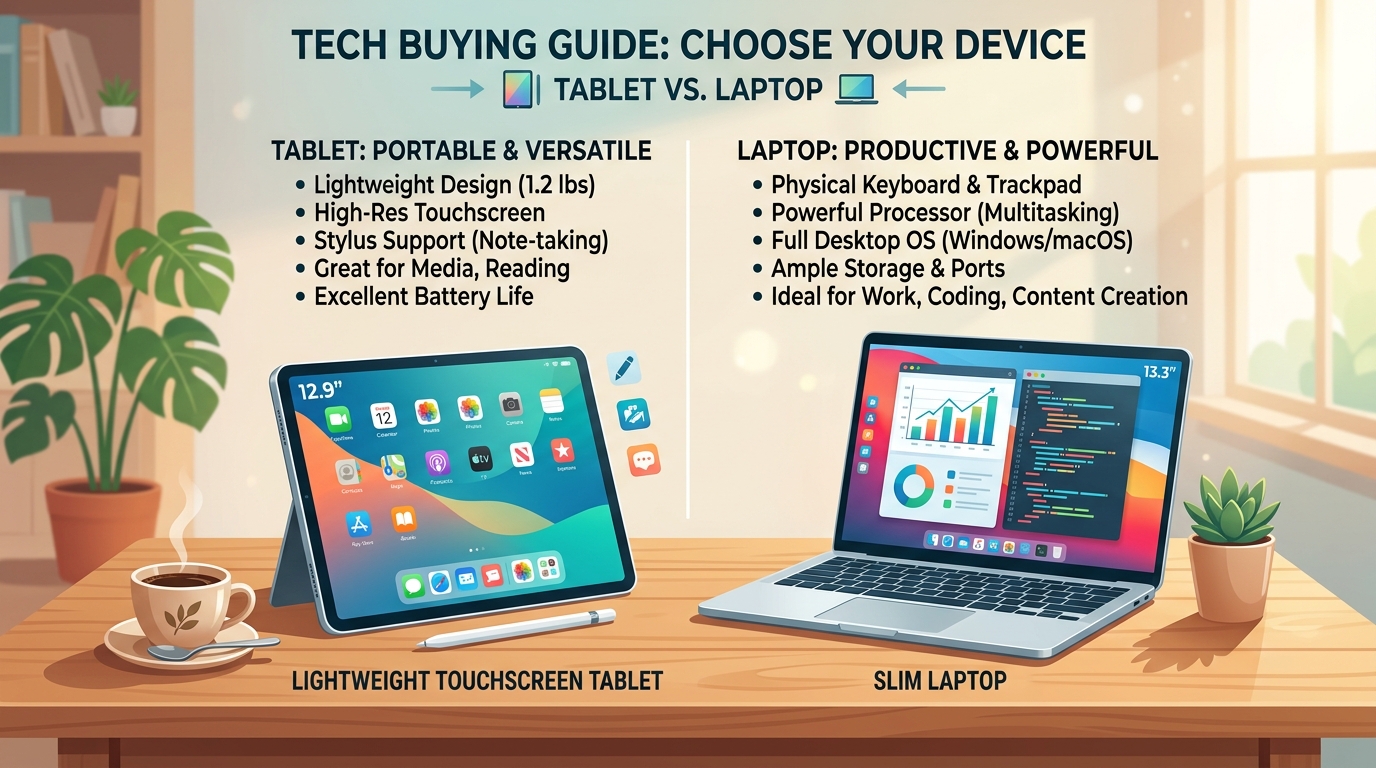
If your current computer is aging or sluggish, shopping for a replacement can feel daunting. Electronics stores are filled with confusing specifications — gigabytes, processors, and technical jargon that make it hard to know what you really need.
The single most important question most older adults face is: “Should I get a tablet (like an iPad) or a traditional laptop?” Here is an honest, straightforward comparison to help you choose with confidence.
When a Tablet (Like an Apple iPad) is the Best Choice
For most everyday home activities, a tablet is simpler, lighter, and far more enjoyable to use than a conventional laptop.
- Video Calls with Grandkids: Tablets have fantastic built-in cameras and microphones. You can hold the tablet comfortably on your lap or prop it on a kitchen stand while chatting on FaceTime or WhatsApp.
- Relaxing on the Sofa: A tablet weighs about 1 pound. You can comfortably read books on Kindle, browse the news, or play crossword puzzles anywhere in your home.
- No Virus Anxiety: Tablets run secure, closed systems. You cannot accidentally install malicious computer viruses or scam software from internet pop-ups.
- Instant-On: Tap the screen and it turns on immediately — no waiting for boot screens.
Best Tablet Recommendation: The standard 10.9-inch Apple iPad is the gold standard for seniors. It has large, sharp text, 10-hour battery life, and family members can easily guide you over the phone because the controls are universal.
When a Laptop is Still Better
A traditional laptop (Windows or Apple MacBook) is the superior tool if your weekly routine involves heavier typing and administrative work:
- Typing Long Documents: If you write memoirs, long letters, or volunteer newsletters, a full-sized physical keyboard and mouse trackpad are much faster and more comfortable than tapping on glass.
- Managing Spreadsheets & Taxes: Preparing yearly taxes, managing complex Excel budgets, or organizing thousands of scanned tax receipts is easier with a full desktop operating system.
- Connecting Multiple Plugs: Laptops have USB ports for regular printers, external backup drives, and flash drives.
The Honest 3-Question Decision Quiz
- Where do you usually use your device? If you prefer sitting on the couch or in bed → Get a Tablet. If you always sit upright at a dedicated desk → Get a Laptop.
- How much do you type? If you mostly send short emails, texts, and search queries → Get a Tablet. If you type essays or long reports → Get a Laptop.
- Do you want hassle-free maintenance? If you hate Windows update restarts and virus warnings → Get a Tablet.