
Technology Help for Aging Parents
Clear, patient, step-by-step help with phones, computers, and the internet — written specifically for older adults and the family members who support them.
- No jargon, ever
- Written for real questions
- 100% Free to read
 ⭐ Recommended Starter Guide
How to Make Text Bigger on an iPhone or Android Phone
A calm, two-minute guide to making everything on your screen effortless to read — no glasses required.
Read Step-by-Step Guide →Featured tech help
How to Make Text Bigger on an iPhone or Android Phone
A simple, two-minute walkthrough for making everything on your screen easier to read — no glasses required.
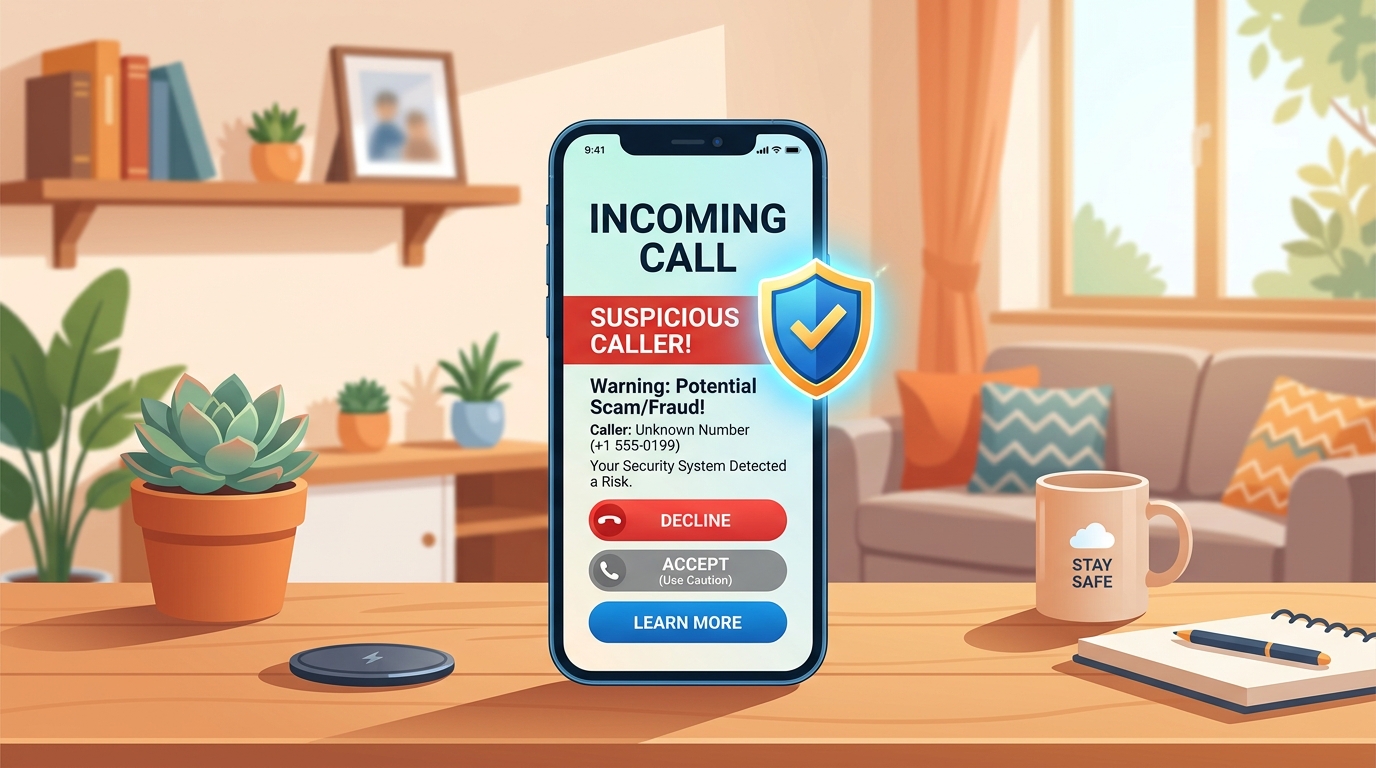
5 Warning Signs of a Phone Scam Call
Learn the exact phrases scammers use so you can recognize a fake call before you ever share information.
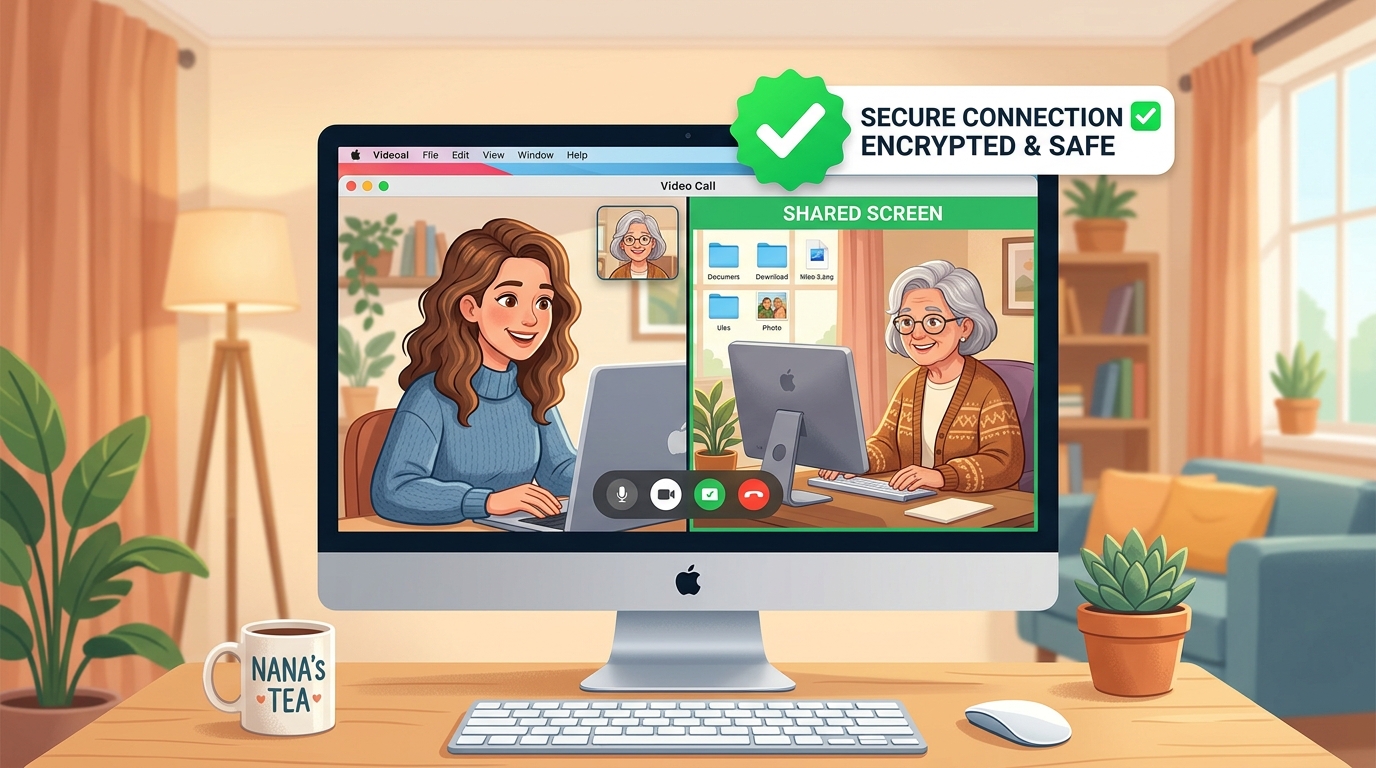
How to Let a Family Member See Your Screen Safely
What screen-sharing actually is, how to turn it on, and how to make sure only someone you trust can see it.
Browse by category
Every article on the site fits into one of these core areas — pick the one that matches your question.
Phones & Tablets
Texting, calling, apps, and settings on iPhone, Android, and iPad.
Computers & Laptops
Windows and Mac basics, files, printers, and everyday troubleshooting.
Security, Scams & Privacy
Spotting scams, protecting personal information, and staying safe online.
Accounts & Passwords
Creating strong passwords and keeping logins organized and easy to find.
Remote Tech Support
How to get help from family over video call, and how screen-sharing works.
Accessibility & Easy Tech
Larger text, voice controls, hearing aids, and devices built for easier use.
Internet & Wi-Fi
Getting connected at home and fixing the most common Wi-Fi problems.
Buying Guides
Straightforward advice on choosing a phone, computer, or accessory.
Latest technology help

Why Does My Internet Slow Down Every Evening?
The most common causes of a slow home connection, and three things to try before calling your provider.
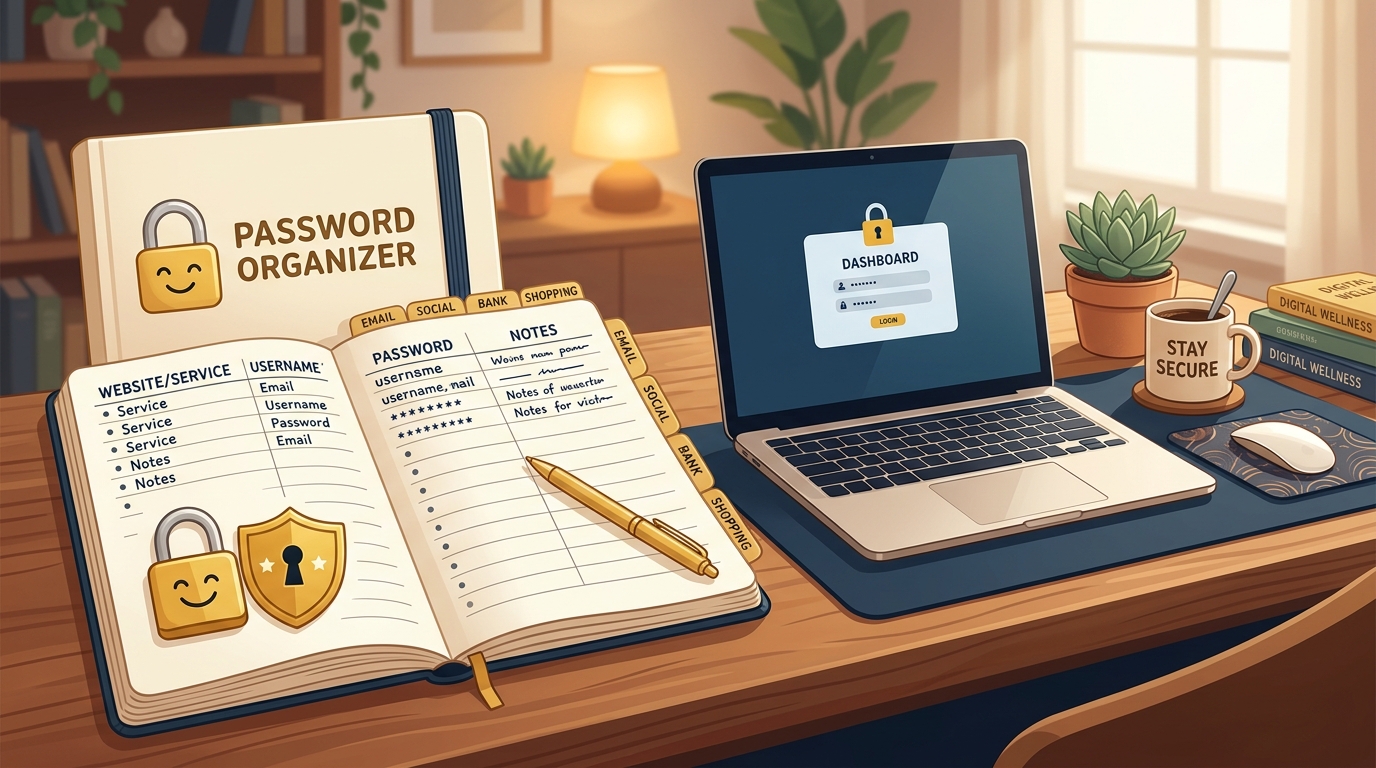
A Simple Way to Keep All Your Passwords in One Place
A low-tech, low-stress method for organizing logins — plus when a password manager is worth trying.
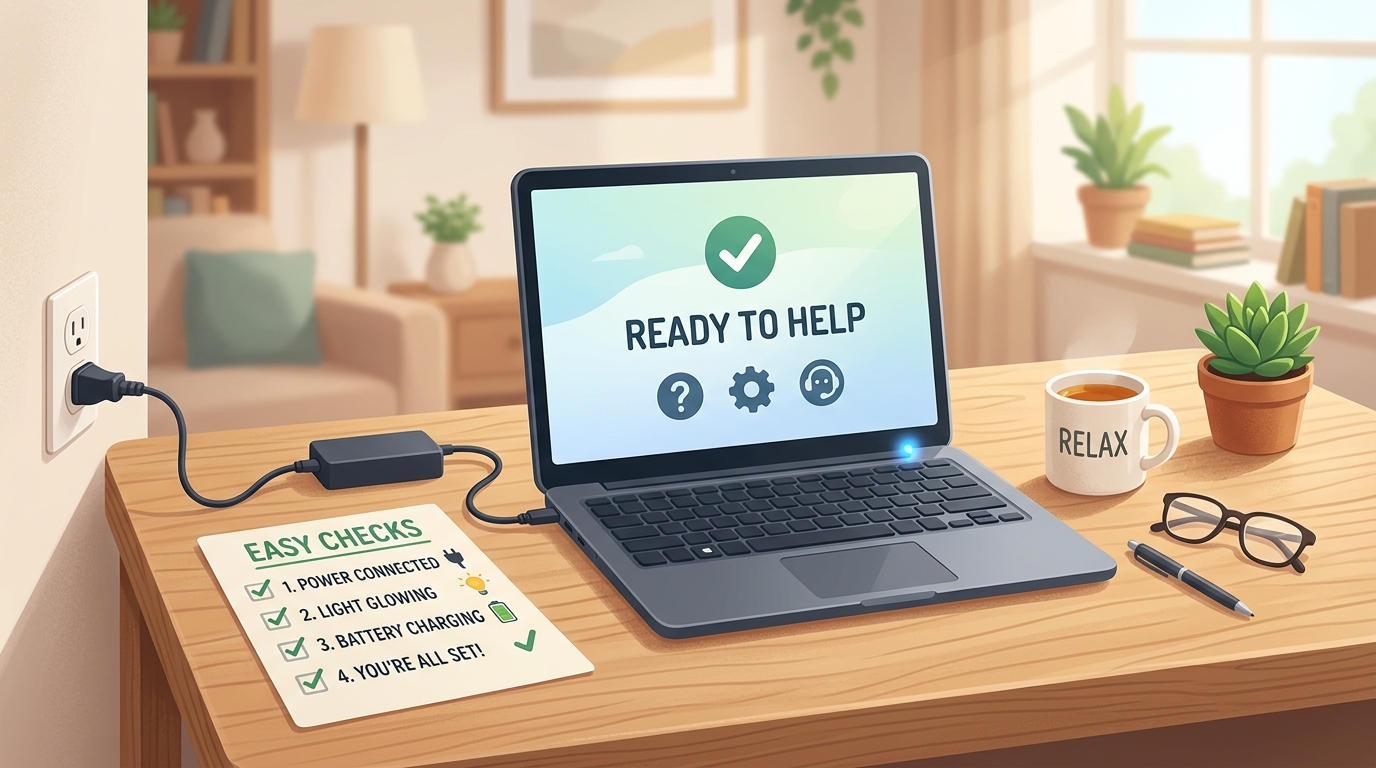
What to Do When Your Laptop Won’t Turn On
A calm, step-by-step checklist to try before assuming the worst — and how to know when it’s time for repair.
Helpful guides worth bookmarking
Evergreen, step-by-step resources you can return to any time you need a refresher.
Setting Up Video Calls With Family for the First Time
Covers FaceTime, WhatsApp, and Zoom, with clear screenshots for each step.
A Beginner’s Guide to Avoiding Online Scams
The habits that protect you no matter how the scam arrives — email, text, or phone.
Choosing Between a Tablet and a Laptop
An honest comparison based on what most people actually use their device for.
How to Make Your Screen Easier on Tired Eyes: Dark Mode & Night Light
How to ask Siri or Google Assistant for help with calls, reminders, and directions.
Technology explained the way it should have been the first time
TechHelpForParents.com is written for older adults who want to feel confident using their devices, and for the sons, daughters, and caregivers who want a reliable place to send them. Every article uses plain language, larger type, and real step-by-step instructions — never assumptions about what you already know.
Read more about our mission →Written in plain language
No jargon or assumed knowledge — every term is explained.
Step-by-step structure
Numbered instructions you can follow at your own pace.
Built for readability
Large text and strong contrast, designed for comfortable reading.
100% Free to everyone
No sign-up walls — every article is free to read, always.