
You sit down in the evening to watch a movie or join a video call with your family, and suddenly the screen freezes, shows a spinning wheel, or says “Connection Unstable.” Yet earlier in the morning, everything worked smoothly. What is happening?
Evening internet slowdowns are among the most common technical frustrations for households. Here is what causes it in plain English, and three simple things you can do to restore your speed.
The Main Cause: “Digital Rush Hour”
Think of the internet like the highway outside your neighborhood. At 10 AM on a Tuesday, traffic flows effortlessly. But between 6 PM and 10 PM, millions of people arrive home, stream high-definition movies, join video calls, and play online games.
Even though you have your own Wi-Fi box in your house, your connection connects to a shared neighborhood cable line. When everyone is online at the same time, the neighborhood highway gets congested.
Step 1: Restart Your Wi-Fi Router Safely
- Find your router (the box with blinking green or white lights, usually near your TV or entryway).
- Follow the power cord to the wall outlet and unplug it.
- Wait 30 full seconds (don’t rush this step — it allows the router’s internal capacitors to fully discharge).
- Plug the power cord back in.
- Wait 3 to 4 minutes for all the green lights to turn steady before reconnecting your devices.
Step 2: Check Where Your Router is Sitting
Wi-Fi signals are invisible radio waves that easily get blocked by household objects. Check these common Wi-Fi blockers:
- Keep it out of cabinets: Storing a router inside a closed wooden or metal entertainment center can cut your signal strength in half.
- Keep away from microwaves and thick walls: Microwave ovens and large metal appliances emit interference that disrupts Wi-Fi frequencies.
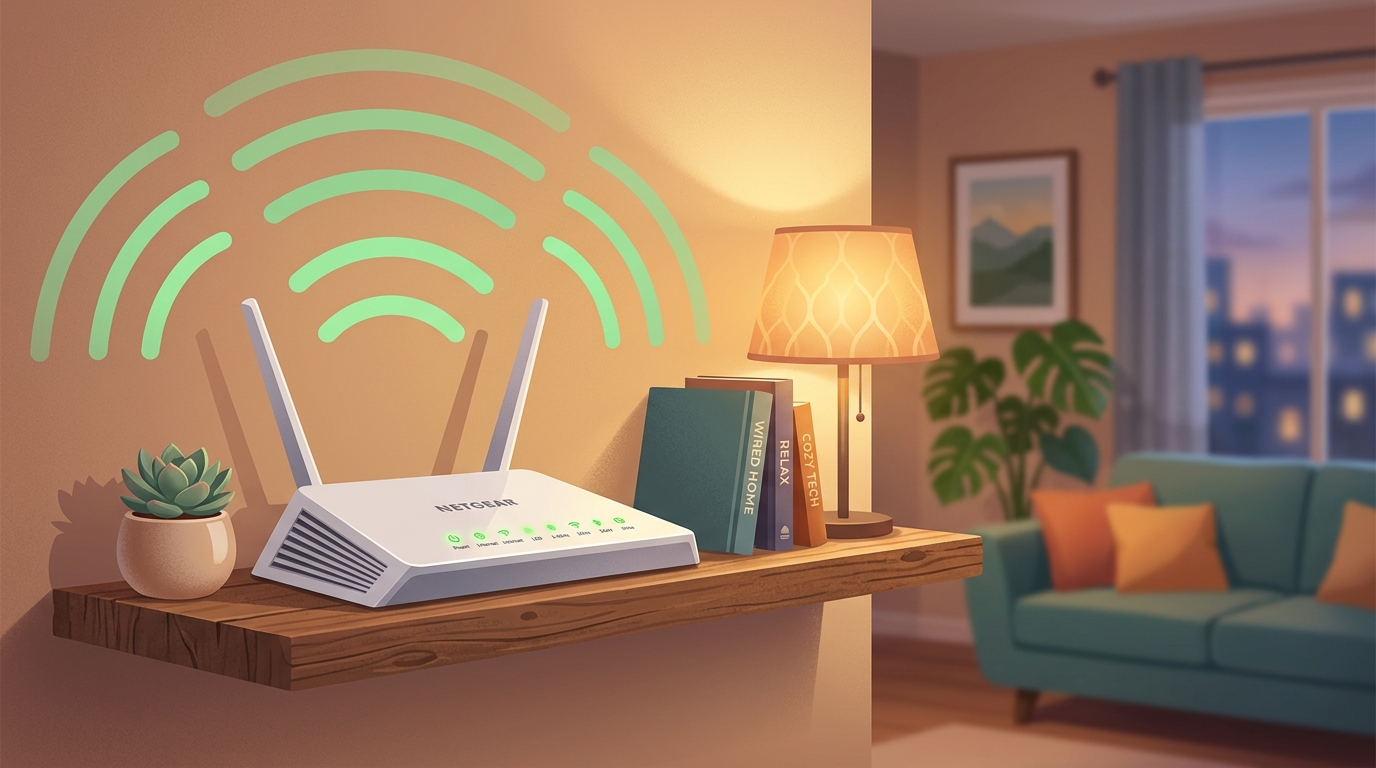
- Elevate it: Placing the router on a shelf or table sends signals outward much more effectively than putting it on the floor behind a sofa.
Step 3: Disconnect Sleeping Devices
Often, smart TVs, old iPads in drawers, or visiting guests’ phones are quietly downloading huge updates in the background during evening hours. Turn off Wi-Fi on devices you aren’t currently using to reserve full speed for your evening movie or call.