
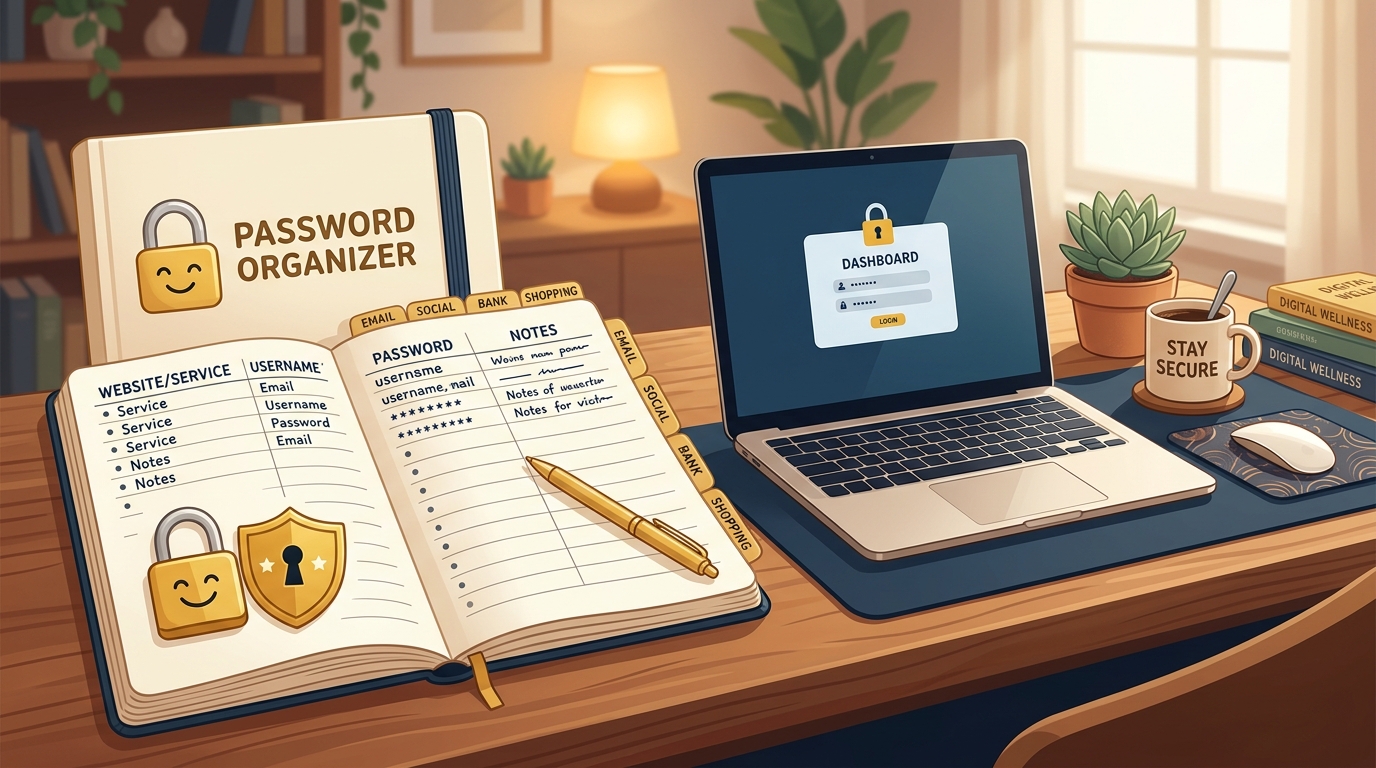
Between doctor portals, bank accounts, email, and shopping websites, the average adult is expected to remember more than 70 different passwords. It is impossible to remember them all without feeling overwhelmed.
Security experts often give advice that is impractical for real life: “Never write anything down, make passwords 20 characters long with random symbols, and change them every month.” In reality, this advice causes people to reuse the same weak password everywhere or get locked out of essential accounts.
Method 1: The Physical Password Organizer Book
If you prefer paper and pen, an alphabetical address book or specialized password journal is your best friend. Here is how to keep it safe:
- Keep it away from your front door: Store it in a desk drawer, nightstand, or home office bookshelf — not in plain sight on the kitchen counter.
- Write hints instead of exact words: If your password is
BlueOrchard1954!, write “Color + Grandma’s street + Birth year + !”. You will know what it means, but an outsider won’t. - Use a pencil: Websites frequently require updates; using a pencil allows you to erase and update without messy cross-outs.
Method 2: Built-In Phone & Tablet Password Fillers
If you use an iPhone, iPad, or Android phone, your device already includes a safe, free password vault:
- Apple Devices: Open Settings → Passwords. When you log in on Safari, your device offers to save your password automatically. You unlock it with your fingerprint or face recognition.
- Android Devices: Open Settings → Google → Password Manager. It automatically saves your logins and fills them with a single tap.
How to Make Passwords You Can Actually Remember
Stop trying to remember gibberish like #xK9!mQ2$. Instead, use a Passphrase: four everyday words strung together that paint a picture in your mind:
CoffeeMorningHappyRobin!WinterBlanketWarmTea99BlueRiverGardenSummer#
These are vastly harder for computer algorithms to crack than short complex words, and your brain can remember them effortlessly.