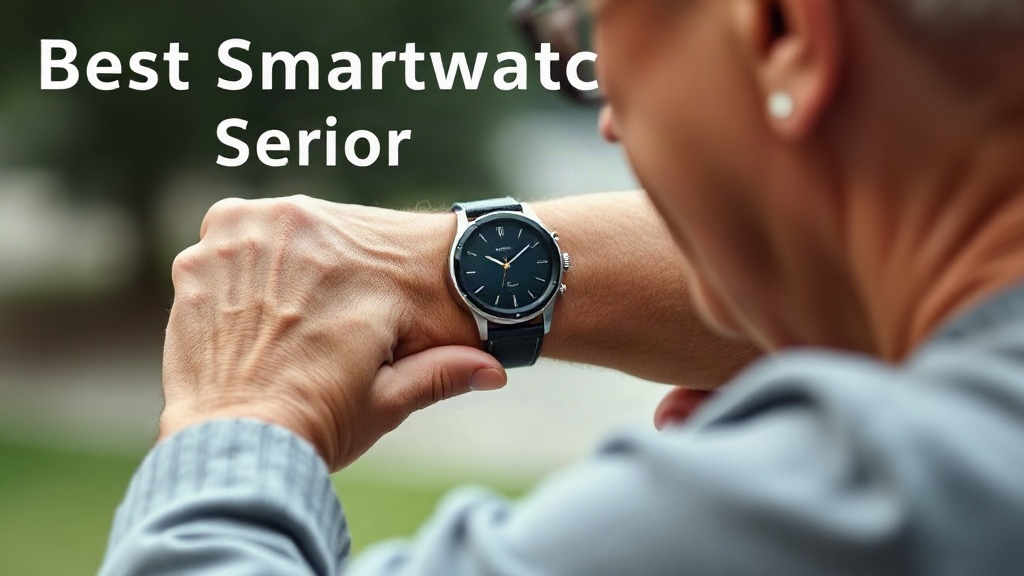
A fall can happen in a second, and the difference between a quick response and hours on the floor often comes down to what is on your wrist. Finding the best smartwatch for seniors with fall detection means balancing reliable alerts, comfort, battery life, and ease of use. Most shoppers want one thing: a watch that calls for help automatically and is simple enough to wear every day.
Quick answer: Choose a watch with automatic fall detection that works without pressing a button, plus a built-in cellular or phone-linked calling feature so help arrives even if the phone is in another room. Prioritize comfort and battery life over flashy apps, because a watch only protects someone who keeps wearing it.
This guide compares five strong options, explains what separates a dependable fall-alert watch from a frustrating one, and shows you how to match a device to a parent’s routine, budget, and comfort with technology.
Quick picks at a glance
Here are five watches worth considering, each suited to a different kind of user. The right choice depends on whether the wearer wants independence, simplicity, or full smartphone features.
Apple Watch Series 9: best overall
The Apple Watch Series 9 delivers the most polished fall detection on the market. It can place a call to emergency services on its own when a hard fall is detected and the wearer does not respond. The catch is that this feature works best with a cellular plan, and the watch requires an iPhone. Battery life runs roughly 18 hours, so it needs a nightly charge.
Apple Watch SE (2nd generation): best value
The SE packs the same fall detection as the Series 9 at a lower price. It skips some premium sensors but keeps the safety features that matter most. This is the pick for families already using iPhones who want Apple reliability without the higher cost.
Samsung Galaxy Watch6: best for Android users
Samsung’s Galaxy Watch6 offers built-in fall detection and works with Android phones. It looks like a traditional watch, which many seniors prefer, and its larger display makes text easier to read. It requires a Samsung or Android phone to set up.
Fitbit Sense 2: best for fitness-focused wearers
The Sense 2 tracks steps, heart rate, and sleep in detail. Its fall detection feature is limited compared with Apple and Samsung, so treat it as a secondary option. It suits active seniors who want health tracking first and emergency alerts second.
Lively Mobile Plus: best dedicated medical alert option
This is not a smartwatch in the traditional sense, but it deserves mention. It pairs with a medical alert service and offers a direct connection to trained responders. For a senior who wants a simple button and a real monitoring center, this route is often more dependable than a wrist device.
Comparison table
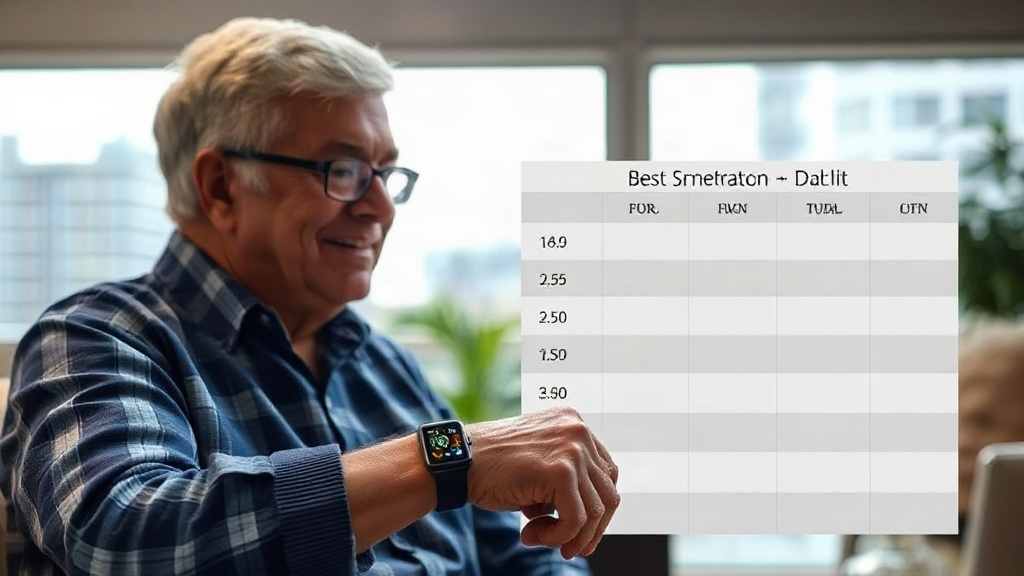
The table below compares the five options on the points families actually weigh: price tier, phone compatibility, fall detection, and battery life. Prices vary by retailer and plan, so treat the ranges as approximate.
Comparison: top fall-detection watches side by side
Look closely at the fall detection column. Some devices call emergency services automatically, while others only alert a contact after you confirm.
| Watch | Approx. price tier | Phone needed | Fall detection | Battery life |
|---|---|---|---|---|
| Apple Watch Series 9 | Premium | iPhone, cellular optional | Automatic call to emergency services | ~18 hours |
| Apple Watch SE (2nd gen) | Mid-range | iPhone | Automatic call to emergency services | ~18 hours |
| Samsung Galaxy Watch6 | Mid-range | Android | Alert with confirm step | ~40 hours |
| Fitbit Sense 2 | Mid-range | Android or iPhone | Limited, requires setup | Up to 6 days |
| Lively Mobile Plus | Subscription | None | Button-based with monitoring | Several days |
A few patterns stand out. Apple leads on automatic escalation, which matters most when a senior is alone. Battery life favors Fitbit and the Lively device, but those options trade away some automatic detection. If the wearer resists charging a device daily, that trade-off deserves real weight.
One more point deserves attention: cellular connectivity. A watch without cellular depends on a nearby phone to place calls. If the phone sits on a kitchen counter while the wearer is in the garden, the alert may not go through. Families should check whether a cellular plan fits their budget and coverage area.
Individual reviews of the top picks
Each review below focuses on real-world use: how detection works, how easy the watch is to wear, and where it falls short.
Apple Watch Series 9
Fall detection on this model is the benchmark. When the watch senses a hard fall, it taps the wearer’s wrist, sounds an alarm, and shows an alert. If there is no response within about a minute, it calls emergency services and sends your location. This hands-free escalation is the core reason families choose it.
Pros
- Automatic emergency calls without any button press
- Accurate detection tuned to reduce false alarms
- Clear display and loud speaker for calls
Cons
- Needs an iPhone and ideally a cellular plan
- Daily charging is easy to forget
- Premium price plus monthly cellular cost
Apple Watch SE (2nd generation)
The SE brings the same fall detection workflow at a lower price. Seniors get the wrist tap, the countdown, and the automatic call. The display is slightly smaller and the always-on feature is missing, but the safety core remains intact.
Pros
- Lower cost than the Series 9 with the same fall alert flow
- Lightweight and comfortable for all-day wear
- Strong app support for medication reminders
Cons
- No always-on display, so checking the time needs a wrist raise
- Still requires daily charging and an iPhone
- Cellular model costs extra
Samsung Galaxy Watch6
Samsung’s detection sends an alert to emergency contacts and can call for help. The flow often asks the wearer to confirm before escalating, which reduces false alarms but can slow the response in a real emergency. The round face and large text appeal to many older users.
Pros
- Familiar round watch design
- Bright, readable display with large text options
- Better battery life than Apple models
Cons
- Detection may require confirmation before calling
- Tied to Android phones
- Setup is less intuitive for first-time users
Fitbit Sense 2
Fitbit emphasizes health tracking over emergency response. Fall detection is available but less central to the product. The watch shines for daily activity, sleep, and stress tracking, and its multi-day battery is a genuine convenience.
Pros
- Battery lasts several days between charges
- Detailed health and sleep tracking
- Comfortable for people who dislike bulky watches
Cons
- Fall alert features are less automatic and less proven
- Emergency calling depends on a paired phone
- Not the first choice if safety is the top priority
Lively Mobile Plus
This device pairs a simple wearable with a monitoring service. The wearer presses a button to reach a trained responder who knows their address and medical details. Some plans add automatic fall detection. It is the safest option for someone who will not manage a smartwatch.
Pros
- Live responders, not just an automated call
- Simple button operation with no apps to learn
- Works without a smartphone
Cons
- Monthly subscription adds ongoing cost
- Few smartwatch features like texts or apps
- Fall detection depends on the plan tier
Buying guide: how to choose
The best watch is the one the wearer will actually keep on their wrist. Use these criteria to narrow the field before you buy.
Check how fall detection escalates
Ask one question first: does the watch call for help on its own, or does it wait for a button press? Automatic escalation protects someone who is unconscious or cannot reach the screen. Confirmation-based alerts reduce false alarms but depend on the wearer responding. For a senior living alone, automatic escalation is worth prioritizing.
Confirm phone and cellular compatibility
Apple watches need an iPhone; Samsung watches need Android. A cellular model costs more each month but removes dependence on a nearby phone. Check coverage at home and anywhere the wearer spends time, such as a garden or a relative’s house.
Weigh battery life against routine
A watch that needs charging nightly fails if the wearer forgets. Devices that last several days suit people with memory issues better. Build charging into a fixed daily habit, like plugging in during breakfast, if you choose a shorter-lasting model.
Set up fall detection with the wearer present and run a practice alert. Confirm that emergency contacts receive the message and know what to do when it arrives.
Prioritize comfort and readability
A watch that feels heavy or looks complicated will end up in a drawer. Look for soft bands, large text options, and a bright display. Try the watch on before buying when possible, and check that the wearer can read the screen without glasses.
Budget for the full cost
Add up the watch, any cellular plan, and any monitoring subscription over a year. A mid-range watch with a cellular plan can cost more annually than a cheaper device plus a monitoring service. Compare total costs, not just sticker prices.
FAQ
Does fall detection work without a phone nearby?
Only on watches with built-in cellular and an active plan. Otherwise, the watch needs a connected phone to place a call. Check this before you rely on the feature.
Will a fall alert go to family or to emergency services?
It depends on the model and setup. Apple watches call emergency services directly, while Samsung and Fitbit alerts often go to contacts first. Some medical alert services connect you to a responder.
How much does a suitable watch cost per year?
Expect one purchase price plus optional monthly cellular or monitoring fees. Total costs vary widely, so add up watch, plan, and subscription costs for twelve months before deciding.
Can a senior with memory loss use one of these watches?
Some can, especially with automatic escalation and long battery life. A device with a single button and a live responder may suit better than a full smartwatch. Consider the wearer’s habits honestly.
Do these watches detect all kinds of falls?
No system catches every fall. Detection is tuned for hard impacts and may miss slow slides or soft collapses. Use a watch as one layer of protection alongside home safety checks.
Final verdict
For most families, the Apple Watch Series 9 is the strongest pick for the best smartwatch for seniors with fall detection. Its automatic emergency calling needs no button press, and the detection is dependable. Budget-minded iPhone households should choose the Apple Watch SE, while Android users will find the Galaxy Watch6 a solid fit. If the wearer resists technology, a monitored medical alert device offers simpler peace of mind.
Start by confirming which phone the wearer uses, then test the alert together before relying on it. A five-minute practice run today can prevent a long delay when it matters most.