
You point a phone at a menu, a label, or a door sign, and you need a clear answer in seconds. That is the promise of any wearable camera for people who are blind or have low vision. This raz smartvision 3 review for blind users looks at how that promise holds up in daily use.
Quick answer: The RAZ SmartVision 3 is a handheld or wearable camera device paired with an app and remote sighted assistance. It works best for quick tasks like reading mail, checking labels, and navigating an unfamiliar room. Buy it if you want on-demand human help and a stand-alone camera; skip it if you expect fully automatic, offline recognition.
This review breaks down the specifications, features, real-world performance, and trade-offs. By the end, you will know whether it fits your routine, your budget, and your level of phone use.
Overview and specifications
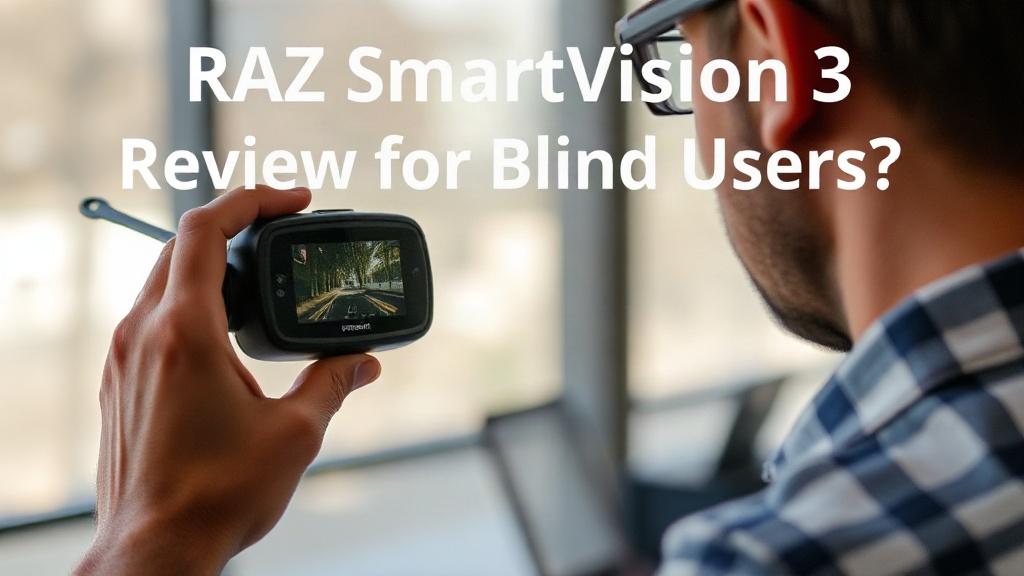
The SmartVision 3 is built around a camera unit that clips on or hangs from a lanyard. It connects to a smartphone app over Bluetooth or Wi-Fi. The core service is remote sighted assistance: you call in, a trained agent sees your camera feed, and they describe or guide you.
That model differs from apps that rely on AI alone. A human on the other end can read handwriting, judge a room, or follow a line of text a machine might miss. The trade-off is that you depend on an available agent and a stable connection.
Below is a general comparison of how this device sits against a phone-only approach. Exact figures vary by model revision and region, so confirm them with the seller before you buy.
Comparison: dedicated device vs. smartphone app
| Factor | SmartVision 3 | Phone-only app |
|---|---|---|
| Camera | Separate clip-on unit | Built into the phone |
| Help source | Remote human agents | AI, plus optional volunteers |
| Setup | Pair device and app | Install app |
| Connectivity | Needs network for assistance | Needs network for assistance |
| Battery | Its own charge | Phone battery |
The dedicated camera is the main draw. You can aim it at a shelf or a document without holding a phone steady. That frees a hand and makes close-up work easier. A small camera also reaches angles that a phone camera struggles with, such as the back of a package.
Weigh the convenience against carrying one more item that needs charging. People who already keep a phone in a pocket may find a second device redundant. People who dislike holding a phone at arm’s length for minutes at a time tend to prefer the clip-on design.
Key features
Remote sighted assistance
The headline feature is live human help. You request a session, an agent views the feed, and they talk you through the task. This suits reading mail, identifying cans, matching clothing, and finding a specific button on an appliance.
Sessions work best when you describe the goal first. Tell the agent "I need the expiration date on this carton" rather than "what is this?" Clear requests shorten calls and save minutes on a metered plan.
Camera and aiming
The unit is light enough to wear on a lanyard for long stretches. A wide field of view helps when you sweep a shelf or a table. Close-up reading depends on steady aiming, so resting the device on a surface or bracing your arm improves results.
App controls
The app handles pairing, session requests, and settings such as audio volume and vibration feedback. Large buttons and spoken labels matter here, and the app is designed with screen-reader use in mind. Test the controls with your own screen reader before you rely on them.
Charging and battery
Plan a charging routine. A dead camera at the grocery store is useless, so many users charge it overnight next to the phone. Carry a short charging cable if you travel.
Remote assistance needs a working data connection. Check coverage in the places you shop and travel before you commit to a subscription plan.
Pros and cons

Pros
- Human help in real time: An agent can read handwriting, describe a room, or guide your hand, which AI apps often handle poorly.
- Hands-free aiming: The clip-on camera reaches labels and shelf edges without you holding a phone steady.
- Clear task focus: Spoken, goal-based sessions suit errands like sorting mail or matching socks.
- Stand-alone camera unit: You can point it at a document while your phone stays in your pocket.
- Screen-reader-friendly app: Controls are built for spoken feedback rather than sighted tapping.
Cons
- Ongoing cost: Assistance usually runs on a subscription or a per-minute plan, so the total price climbs over time.
- Network dependence: Sessions fail in dead zones, basements, and rural areas with weak signal.
- Waiting for an agent: Busy periods can mean a queue before anyone answers.
- Privacy questions: A stranger sees what your camera sees, which matters in a doctor’s office or at a bank.
- One more device to charge: Battery management adds a daily chore.
The pros and cons point to a specific user. Someone who wants fast human answers and dislikes steadying a phone will get real value. Someone who wants instant, offline recognition at no recurring cost will feel frustrated.
Performance in practice
Think about three everyday scenes: the kitchen, the mailbox, and the store.
In the kitchen, the camera shines on packaging. An agent can read a best-by date, distinguish two similar tins, or describe the dial positions on an oven. These tasks take a minute or two each. Resting the unit on the counter keeps the image steady and shortens the call.
At the mailbox, the device handles envelopes and small print well. An agent can sort bills from junk mail and read a return address aloud. Handwriting is the weak spot for AI apps and a strength for human agents, so this is where the design earns its keep.
In a busy store, results depend on signal and noise. A loud aisle makes conversation harder, and a weak connection can drop the feed. Using headphones helps. So does asking a focused question before the agent starts scanning the shelf.
Aim and framing decide most outcomes. Point the camera at the target, pause, and let the agent confirm they can see it. Rushing produces blurry frames and repeated requests. Take two seconds to steady the device and the session gets shorter, not longer.
Response times vary with demand. Off-peak calls connect quickly; peak hours can involve a wait. Build a small buffer into time-sensitive errands, such as catching a bus after a shop.
Battery life holds up for a typical outing but not for a full day of heavy use. A morning of errands plus an afternoon appointment may need a top-up charge. Keep a cable in your bag and charge during lunch.
The honest picture: the SmartVision 3 does well on reading, sorting, and describing. It struggles when the network is weak or the environment is loud. Treat it as a tool for specific tasks, not a replacement for a cane, a guide dog, or orientation and mobility training.
Describe your goal in one sentence before the agent starts looking. Short, specific requests cut session time and reduce frustration on both ends.
Who is raz smartvision 3 review for blind users for?
This review is written for people who are blind or have low vision and are weighing a camera-based assistant. It also helps family members, vocational counselors, and assistive technology trainers who advise on purchases.
Good fit
- Frequent readers of print: People who handle mail, labels, and documents daily will use the human-assistance model often.
- Phone-averse users: Anyone who finds holding a phone steady tiring benefits from a clip-on camera.
- Task-focused users: If you mainly need help with errands, sorting, and short descriptions, the design matches your routine.
- People with reliable coverage: Strong mobile data at home and in the places you shop makes sessions smooth.
- Budget for a plan: Users who can absorb a recurring fee without strain get the most from it.
Poor fit
- Offline needs: If you need recognition in basements, rural areas, or on flights, a device that leans on the network will disappoint.
- Instant-response expectations: Waiting for an agent feels slow if you expect an answer in one second.
- Privacy-sensitive tasks: Some users prefer not to share a live feed of personal documents or medical items.
- Tight budgets: The device plus a subscription can cost more than a phone app over a year.
Ask yourself one question: do I want a person to look and tell me, or do I want a machine to guess? The SmartVision 3 answers the first. If you need the second, a phone-based recognition app may suit you better.
Never share PINs, card numbers, or medical details during a live session unless you are certain of the provider’s privacy policy. Point the camera away from sensitive screens.
FAQ
How much does the RAZ SmartVision 3 cost to own?
Expect two costs: the device itself and an assistance plan. Plans are usually subscription or per-minute, so total spending depends on how often you call. Ask the seller for current pricing and whether a trial period exists.
Do I need a smartphone to use it?
Yes, in most setups. The camera pairs with an app that handles session requests and settings. You need a compatible phone and a data connection for remote help to work.
Can it read text without a live agent?
The core service relies on human agents rather than automatic recognition. If you need instant, offline reading, a dedicated OCR app on your phone is a better match. The two tools can complement each other.
How long does a session take?
Simple tasks like reading a date or a label usually take a minute or two. Complex scenes, such as describing a cluttered room, take longer. Steady aiming and a clear request shorten every session.
Is it hard to learn?
Most users manage basic sessions after a short practice run. Spend an hour practicing aim, app controls, and clear requests before you rely on it in public. A trainer can speed this up.
Conclusion and verdict
The RAZ SmartVision 3 earns a solid recommendation for people who want live human help with reading, sorting, and describing. It fits best when you have reliable coverage and a budget for a plan. It is a weaker choice for offline use or instant automated answers.
Weigh the device against your real routine. If your week involves mail, labels, and unfamiliar rooms, the human-assistance model delivers clear value. If your main need is fast text recognition without a fee, a phone app covers it.
Before you buy, ask the seller three things: the current plan price, the return window, and whether a trial session is available. Then test one real task, such as sorting a week of mail, during the trial. That single test tells you more than any specification sheet. Make the call based on how that session felt, and you will choose well.