
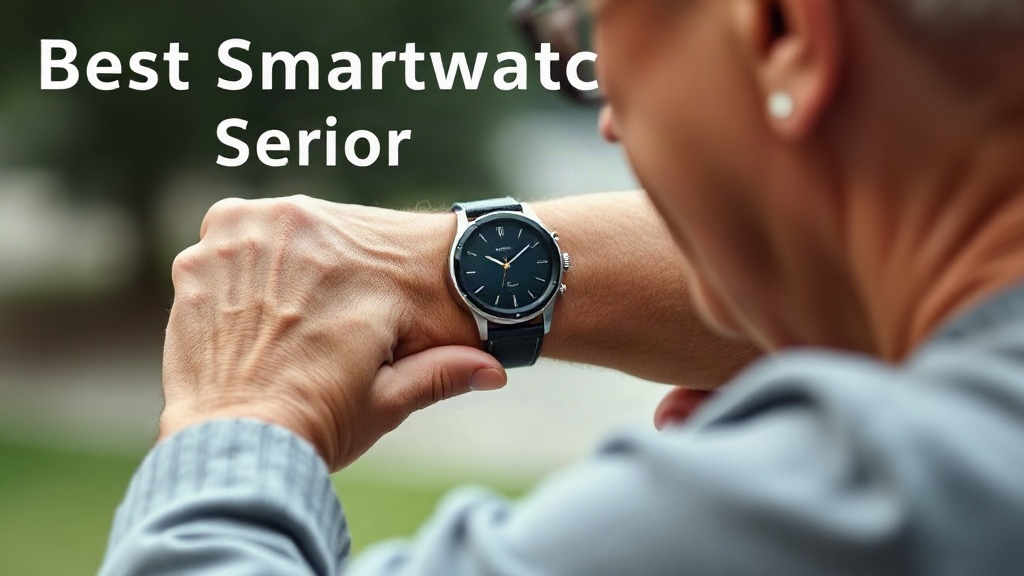
A fall can happen in a second, and the difference between a quick response and hours on the floor often comes down to what is on your wrist. Finding the best smartwatch for seniors with fall detection means balancing reliable alerts, comfort, battery life, and ease of use. Most shoppers want one thing: a watch that calls for help automatically and is simple enough to wear every day.
Accessibility & Easy Tech
Senior-friendly technology, larger text settings, screen magnifiers, voice controls, hearing aid pairing, and simplified tech devices.
Raz Memory Phone for Dementia Patients
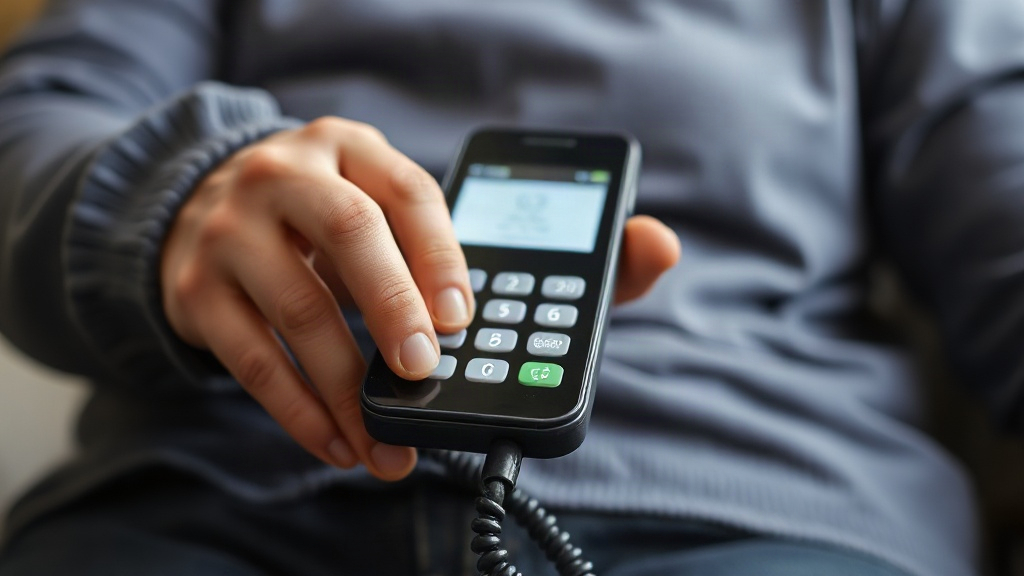
A parent with dementia forgets which phone number to call, then forgets how to dial at all. You want a device that makes calling family safe and simple, and raz memory phone for dementia patients is one of the names you keep hearing. Does it actually work, and who handles the setup?
Voice Activated Cell Phones for Seniors: A Practical Guide to Calling by Voice
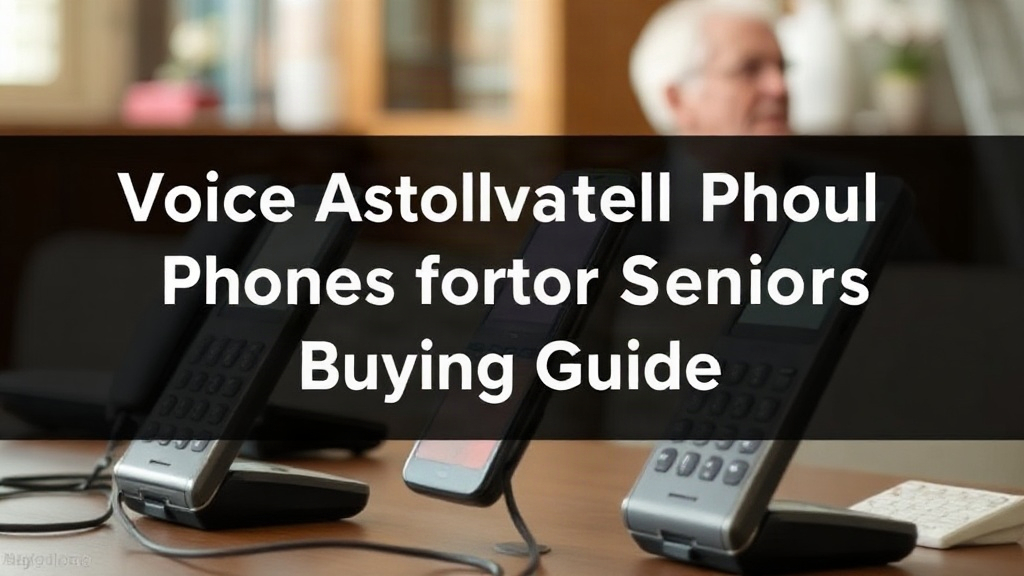
Voice activated cell phones for seniors promise something simple: say a name, and the call happens. The real question is whether the phone hears you correctly, works without Wi-Fi, and stays easy to use after the novelty wears off. Plenty of families buy a phone and discover the voice features only work in ideal conditions.
Best Cell Phones for Seniors with Dementia: Top Picks for Safety and Simplicity
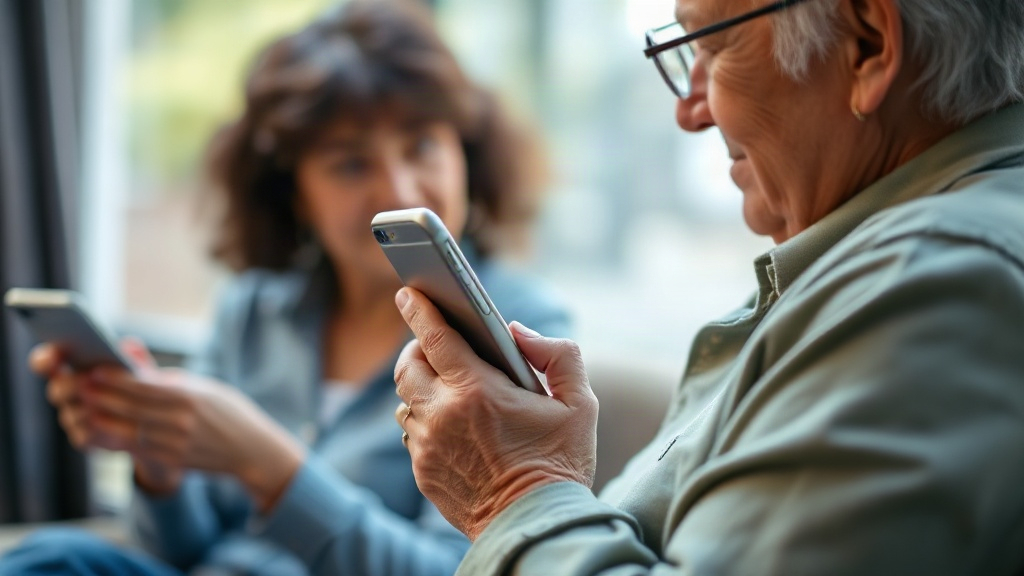
Finding the best cell phones for seniors with dementia starts with one question: can your parent call for help without getting lost in menus? A phone that requires five taps to reach a daughter’s number often fails at the moment it matters most. Memory loss turns familiar devices into puzzles, and design choices that seem minor become daily obstacles.
Best Big Button Cell Phones for Seniors: Top Picks for Easy Calling
Finding the best big button cell phones for seniors starts with one honest question: can the person holding it actually see the keys and hear the call? A phone with tiny buttons and buried menus adds daily friction. Your parent or grandparent deserves a device that works on the first try.
Best Cell Phones for Hearing Impaired Seniors: Top Picks That Keep Every Call Clear
Finding the best cell phones for hearing impaired seniors comes down to three features: hearing aid compatibility, loud and adjustable volume, and text-based options that back up every conversation. A senior with mild to moderate hearing loss usually only needs a phone with strong amplification and M4/T4 hearing aid support. Someone with severe loss benefits far more from a model with live captioning built in.
Best Cell Phones for Visually Impaired Seniors
Shopping for the best cell phones for visually impaired seniors means facing a wall of glass screens, tiny icons, and menus built for sharp eyes. A parent or grandparent wants to call family without squinting, and you want a phone that actually helps.
How to Make Font Size Larger on Android: A Step-by-Step Guide
Squinting at your phone is a clear sign the text is too small, and it usually shows up at the worst moment—reading a message in bright sun or checking a bank balance. If you have asked how to make font size larger on android, the fix is closer than you think. Most phones hide the control in the same place, but the path differs slightly by brand.
How to Make Text Bigger on iPhone: A Step-by-Step Guide
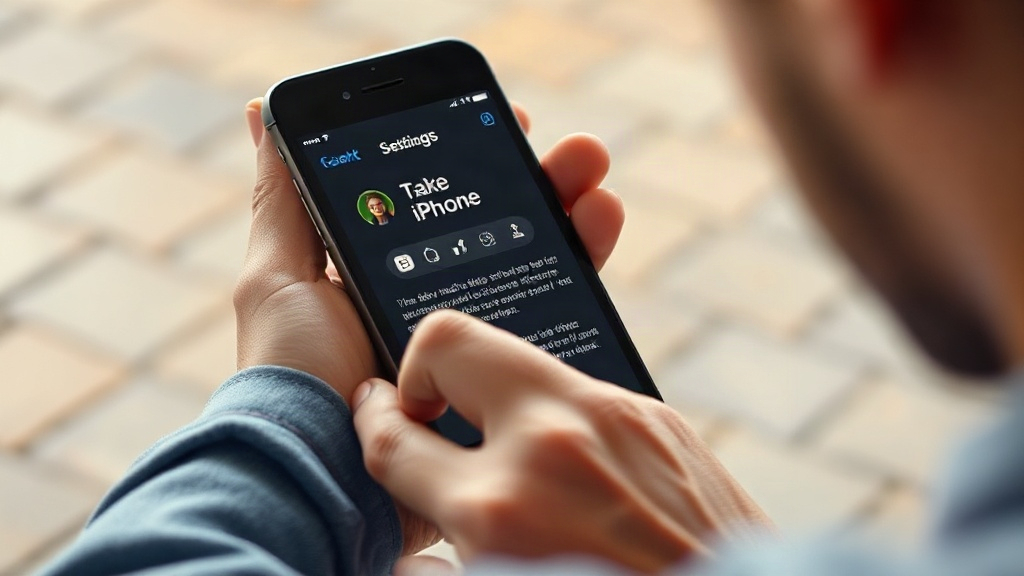
Squinting at your iPhone is a sign something needs adjusting, and learning how to make text bigger on iphone is easier than most people expect. Maybe a recipe in Safari is unreadable at arm’s length, or an email from your doctor requires a zoom you don’t have. The settings exist, but Apple spreads them across several menus.
Iphone Senior Mode Setup: A Practical Guide for Older Users and Their Families

Watching a parent squint at a tiny Settings screen or accidentally hang up a call is frustrating for everyone involved. If you searched for iphone senior mode setup, you likely want one clear answer: how do I make this phone easier for an older adult to use? Apple does not sell a single switch called "Senior Mode," and that surprises many families.